Options
The options window shows the various options that Gremlin allows to be configured. Each entry has a short explanation of what the particular option does.
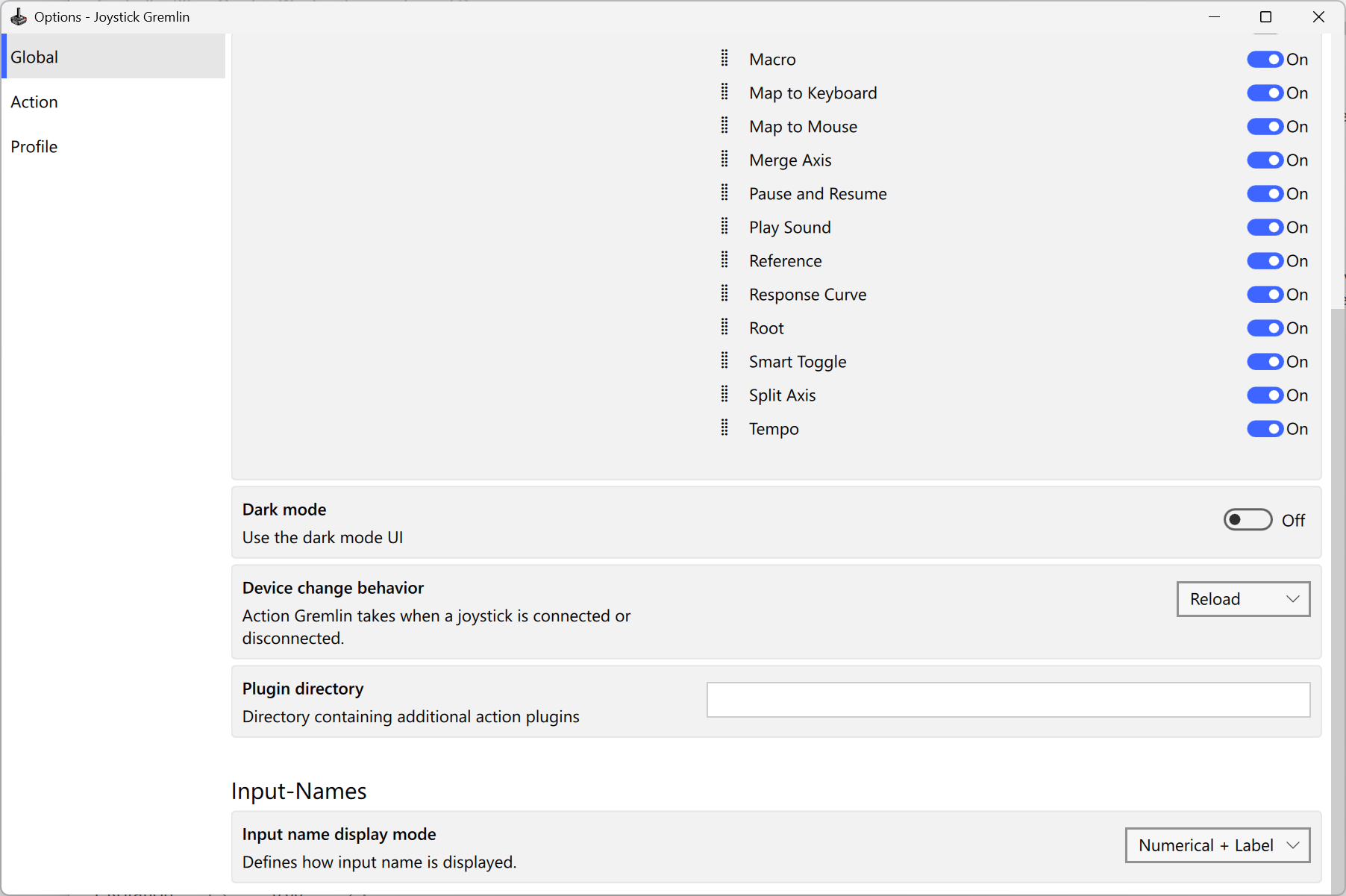
The options window exposes all the settings one can change in Gremlin.
The options are grouped into three sections which contain the following aspects:
- Global
- Contains general settings affecting Gremlin's overall behavior.
- Action
- Contains all settings relating to the behavior of specific actions.
- Profile
- Contains all settings revolving around profile auto loading.